



Description
Download Kega Fusion – SEGA Emulator, Retro Gaming, Classic Consoles
Overview
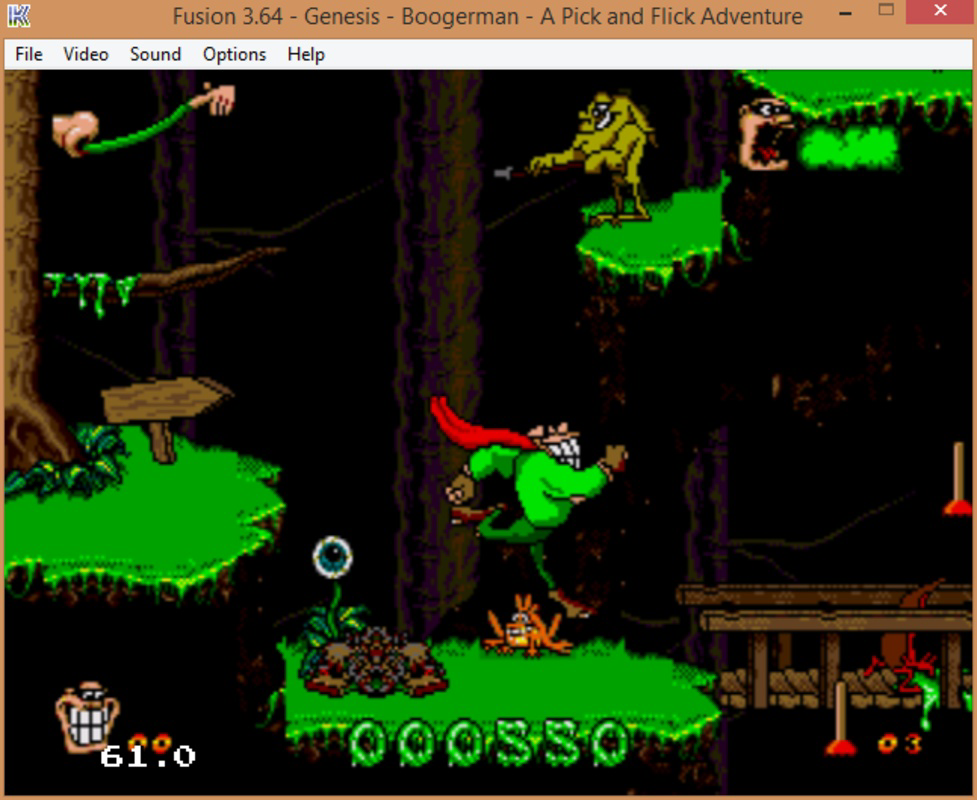
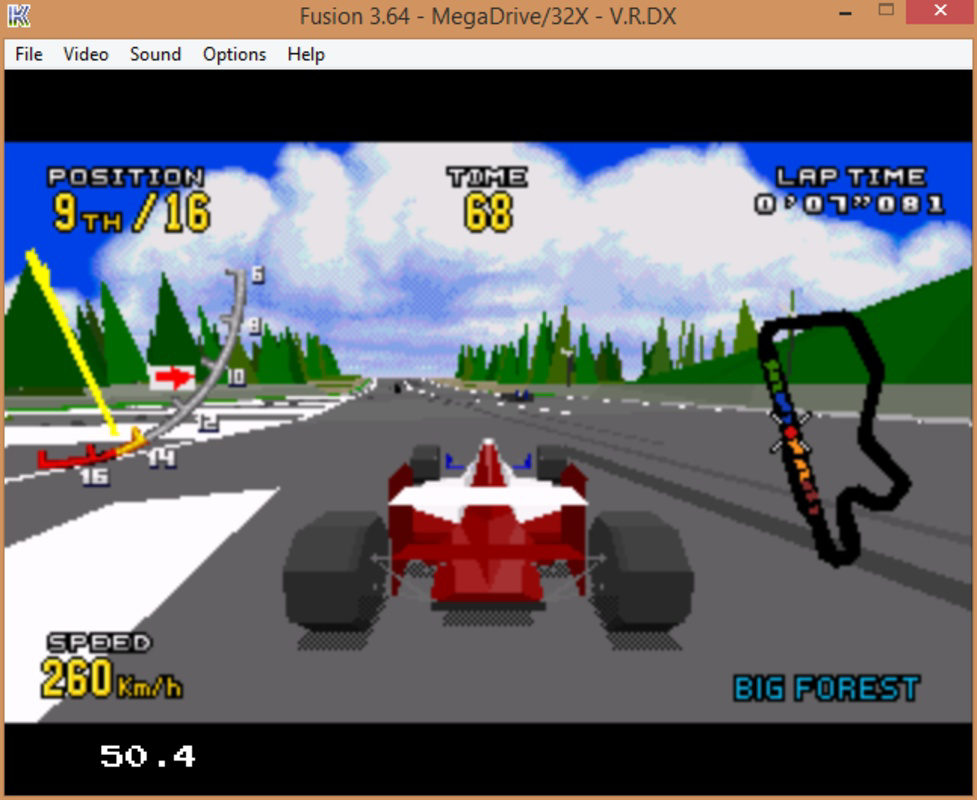
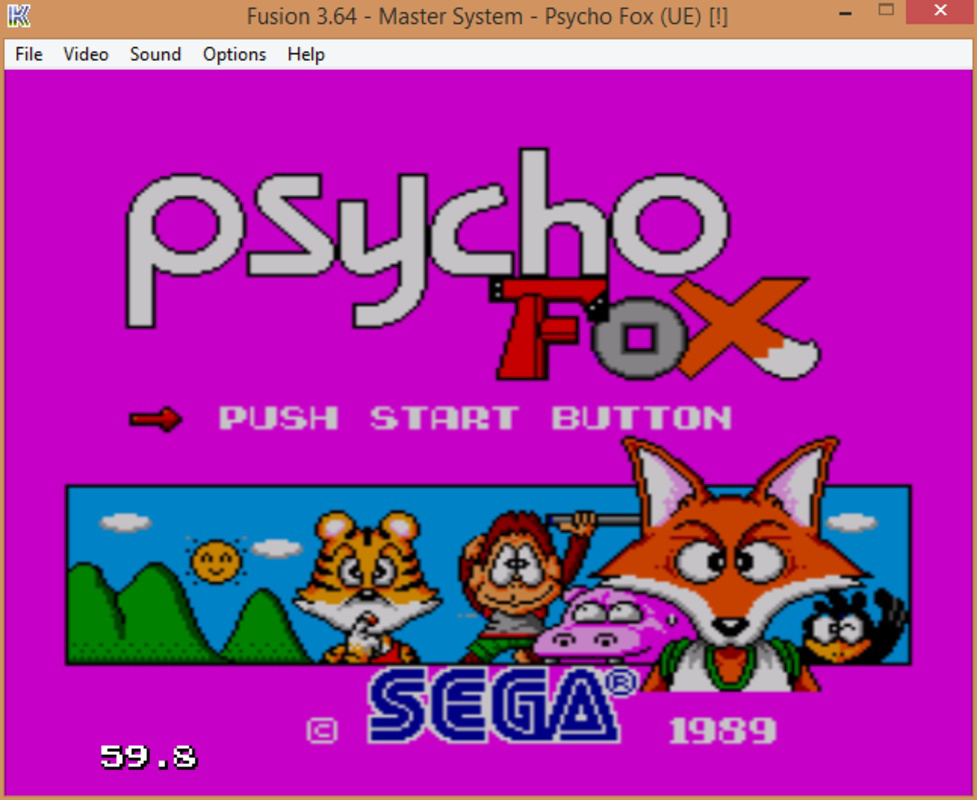
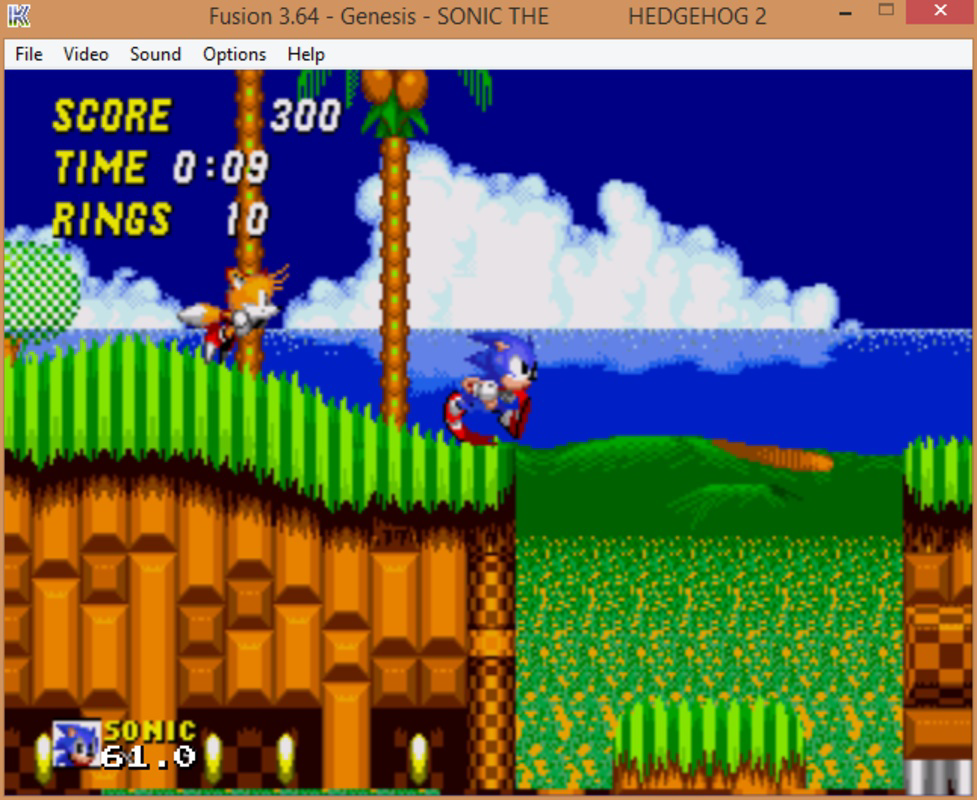
Kega Fusion is a dedicated emulator designed for fans of classic SEGA consoles, offering a way to experience a wide range of retro titles on modern devices. The app enables users to relive the gaming era of the 1980s and 1990s by emulating systems such as the Master System, Game Gear, Megadrive, Mega CD, and Sega 32X. Its primary purpose is to provide accurate and stable emulation of these platforms, ensuring that gameplay remains as close as possible to the original hardware. This makes it especially valuable for enthusiasts seeking authenticity in their retro gaming sessions.
Target users include retro gaming aficionados, collectors, and developers interested in studying or preserving classic game mechanics. The app addresses the challenge of accessing outdated hardware by delivering a digital alternative that requires no physical consoles. Real-world use cases include playing nostalgic favorites, preserving game libraries, and sharing classic titles with younger generations. While the developer did not provide additional background information, the app’s focus on technical fidelity and broad console support highlights its role as a key tool in the retro gaming ecosystem. It bridges the gap between vintage gaming and modern accessibility.
Key Features & Functionality
- Comprehensive Console Support: Emulates multiple SEGA systems including Master System, Game Gear, Megadrive, Mega CD, and Sega 32X, allowing access to a broad library of classic games.
- High-Fidelity Emulation: Prioritizes accurate replication of original hardware behavior, ensuring games run at 60 FPS with minimal lag or graphical glitches.
- Visual Enhancement Options: Offers TV filter effects to mimic the look of old CRT displays and supports plugins for enhanced graphics on older titles.
- Online Multiplayer Capability: Enables real-time multiplayer sessions over the internet, allowing users to play with others globally and revive the social aspect of retro gaming.
- Versatile CD and Region Options: Supports both PAL and NTSC region standards and can use physical CDs in optical drives for Mega-CD emulation, increasing flexibility for users.
These features cater to users who value both authenticity and modern convenience. For example, a player can use the TV filter to recreate the nostalgic feel of their childhood, while the online multiplayer function allows them to team up with friends across different countries. The ability to use real CDs adds a layer of realism for collectors who own original media. Each functionality is designed to enhance the user’s experience without compromising the integrity of the original games.
Interface, UX & Performance
The interface of Kega Fusion is designed with functionality over flair, prioritizing accessibility for users who value performance and control. Navigation is structured around system selection, game loading, and configuration settings, with a layout that supports efficient workflow. Visual elements are minimal but effective, focusing on clarity and usability rather than decorative design. The app uses a straightforward menu system that allows users to quickly switch between emulated consoles and manage game files.
Performance is optimized for modern hardware, with the ability to maintain smooth 60 FPS gameplay across supported titles. Although the developer did not list formal performance metrics, the emphasis on high-fidelity emulation suggests stability and responsiveness on capable devices. The app handles complex game logic and audio processing efficiently, reducing the risk of crashes or slowdowns during extended sessions. Compatibility with different device categories is not fully disclosed, but the app’s design implies adaptability across various screen sizes and processing capabilities. Users can expect consistent behavior across devices, provided they meet the underlying system requirements.
Platform Compatibility & Technical Requirements
Kega Fusion is available on multiple platforms, though specific details were not fully disclosed. The app supports modern operating systems, including Windows and potentially macOS, based on its development history. The latest version was released on August 22, 2023, and the file size is approximately 45 MB, indicating a lightweight footprint suitable for most devices. However, the developer did not specify minimum OS requirements or hardware specifications.
Users should ensure their device meets the baseline needs for running emulation software, such as sufficient RAM and a compatible processor. While the app is designed for desktop use, its mobile availability is not confirmed. The lack of detailed compatibility information means users may need to test the app on their system to verify functionality. Despite this, the small file size suggests it can be easily downloaded and installed without consuming significant storage space.
Pros and Cons
Pros
- Supports a wide range of classic SEGA consoles for diverse retro gaming experiences.
- Delivers high-fidelity emulation with stable 60 FPS performance.
- Includes visual filters and enhancement plugins for customizable gameplay aesthetics.
- Offers online multiplayer functionality, enhancing social interaction.
- Supports both PAL and NTSC regions, accommodating global users.
Cons
- Specific system requirements were not listed, which may affect user setup.
- Mobile platform availability was not confirmed, limiting access on smartphones.
- Developer background and support channels were not disclosed.
- Advanced configuration may require technical knowledge for optimal use.
- Physical CD usage requires compatible optical drives, which may not be available on all devices.
FAQ
Is Kega Fusion free to download and use?
Yes, Kega Fusion is available for free download. It does not require a subscription or in-app purchases to access its core features.
Can I play games from physical SEGA cartridges or CDs?
The app supports the use of physical CDs in optical drives for Mega-CD emulation. For other systems, users typically rely on ROM files, though the app may allow cartridge emulation depending on the system.
Does Kega Fusion support multiplayer on mobile devices?
Mobile compatibility was not confirmed. The app is primarily designed for desktop platforms, and multiplayer functionality may be limited or unavailable on smartphones.
How do I update Kega Fusion to the latest version?
Updates are typically released through the official website. Users should visit the developer’s site to download the most recent version and ensure compatibility with their system.
Is Kega Fusion safe to install on my device?
Yes, when downloaded from official sources, Kega Fusion is considered secure. Users should avoid third-party APKs or unofficial mirrors to prevent potential malware.
Final Thoughts
Kega Fusion stands out as a powerful and reliable emulator for SEGA enthusiasts seeking an authentic retro gaming experience. Its support for multiple classic systems, high-fidelity emulation, and online multiplayer capabilities make it a valuable tool for both casual players and dedicated collectors. The app successfully balances nostalgia with modern functionality, offering visual enhancements and region flexibility without sacrificing performance.
While some technical details are not publicly available, the app’s focus on accuracy and usability suggests a well-crafted solution for retro gaming. It is ideal for users who value authenticity, customization, and the ability to play classic SEGA titles across different platforms. Whether reliving childhood memories or discovering vintage games for the first time, Kega Fusion delivers a compelling experience.
Download Kega Fusion now
Guides & Tutorials for Kega Fusion
How to install Kega Fusion
- Click the Preview / Download button above.
- Once redirected, accept the terms and click Install.
- Wait for the Kega Fusion download to finish on your device.
How to use Kega Fusion
This software is primarily used for its core features described above. Open the app after installation to explore its capabilities.
User Reviews for Kega Fusion 0
No reviews found


